Case Study: Periodontal Practice in The Woodlands, Texas

January 26, 2026

Challenge: A complete MacPractice system outage and failing network infrastructure brought operations to a halt and caused ongoing access problems.

A periodontal practice in The Woodlands faced critical failures after a power outage, leaving MacPractice inaccessible across all computers. Even after initial recovery, the software continued to experience intermittent connectivity issues that prevented staff from consistently accessing patient charts. The practice also needed a major upgrade from MacPractice version 15 to the latest release but did not have the expertise or time to manage the complex after-hours process.

Solution: Allierad IT Solutions performed emergency system recovery, onsite network repairs, and a coordinated software upgrade to restore stability and improve functionality.

Emergency System Recovery

  • Remotely accessed the server after the outage and used administrative credentials to decrypt and restore the MacPractice database.
  • Brought the system back online quickly to minimize office downtime.

Network and Hardware Troubleshooting

  • Responded onsite when a key operatory workstation lost connection to MacPractice.
  • Diagnosed faulty wiring and repaired it to restore stable connectivity.

Vendor-Coordinated Software Upgrade

  • Scheduled and executed an after-hours upgrade of MacPractice.
  • Worked directly with a MacPractice support representative to ensure a clean installation on the server and all workstations.
  • Addressed performance issues and eliminated disruptive pop-ups.

Remote Access and Security Management

  • Managed Splashtop remote access accounts for doctors and staff.
  • Ensured secure configurations to protect patient data while supporting flexible work.

Expected Results

The practice can expect improved system stability, faster access to patient charts, and a more modern and efficient MacPractice platform. The emergency recovery and network repairs reduced downtime and restored daily operations. The software upgrade eliminates previous limitations and pop-ups, providing a smoother user experience. Secure remote access enhances flexibility without compromising security. Collectively, these improvements support consistent, reliable, and efficient patient care.
Steel beams stored in a large industrial warehouse with overhead lighting.
January 26, 2026
Challenge: A new employee required a fully configured workstation with secure access and integrated peripherals to begin productive work immediately.
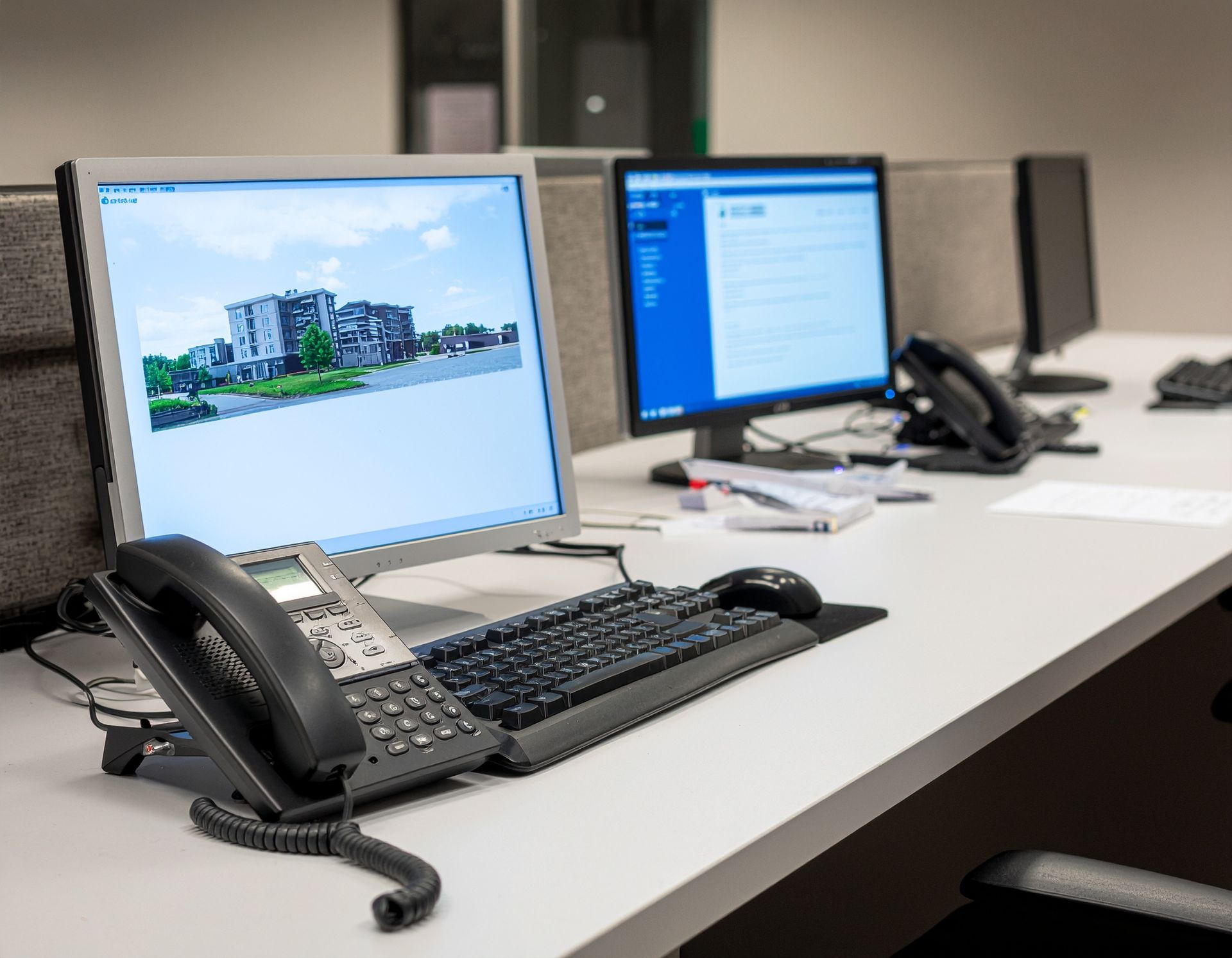
Desks with computer monitors and telephones in an office setting. A building image is displayed on one screen.
January 26, 2026
Challenge: VoIP communication failures and software update needs disrupted remote and mobile operations for key staff.
White office phone on a brown wooden desk.
January 26, 2026
Challenge: System-wide phone outages and EHR upgrade requirements threatened communication and administrative stability.
Gallery wall with multiple screens displaying a seascape. Blue water and rocky shoreline.
January 26, 2026
Challenge: A non-functional operatory monitor prevented staff from using it for patient education and X-ray review.
A large document scanner in an industrial setting, scanning a printed sheet of paper.
January 26, 2026
Challenge: Two scanner models needed to be swapped between workstations and reconfigured to meet specific user needs.
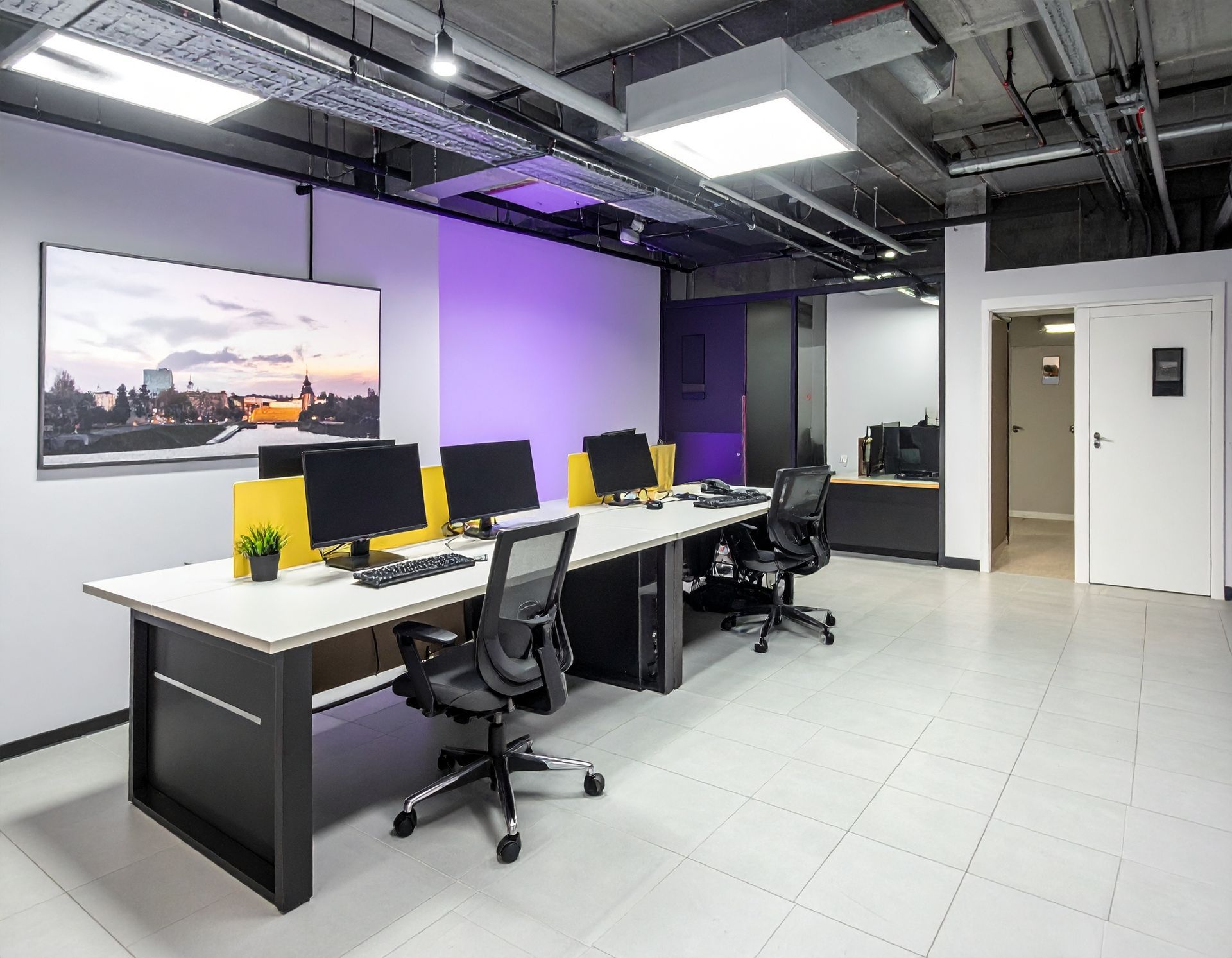
Modern office with desks, computers, and chairs. Purple and white walls, gray floor, and overhead lighting.
January 26, 2026
Challenge: The practice needed upgraded front desk PCs and new peripherals installed without interrupting patient check-in and payment processing.
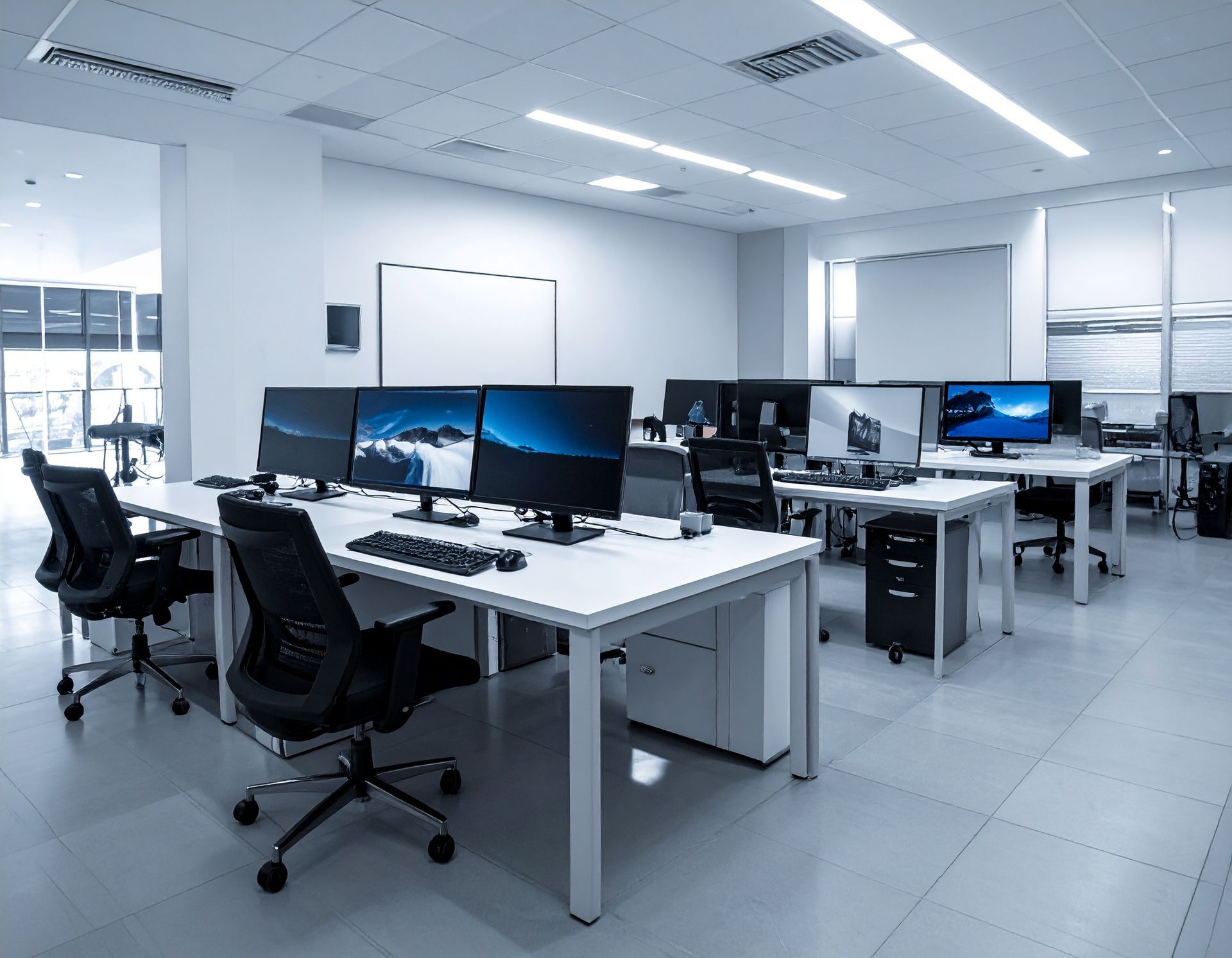
Modern office interior with multiple computer workstations and white desks, lit with bright overhead lighting.
January 26, 2026
Challenge: Multiple outdated and failing computers were causing downtime and preventing staff from accessing patient records.
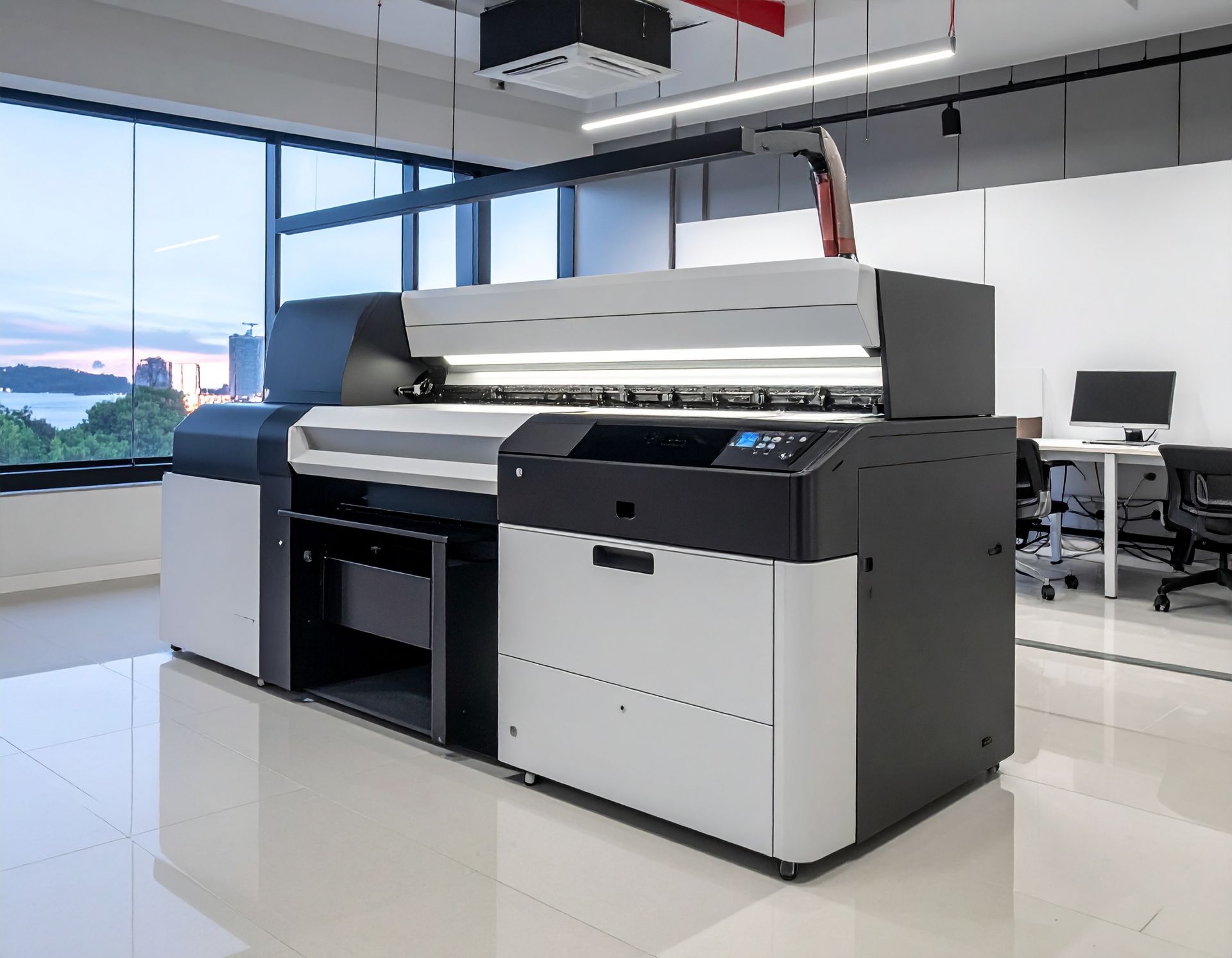
Large format printer in a bright office space.
January 26, 2026
Challenge: A new printer needed to be installed and configured across multiple workstations to avoid disruptions in daily document processing.
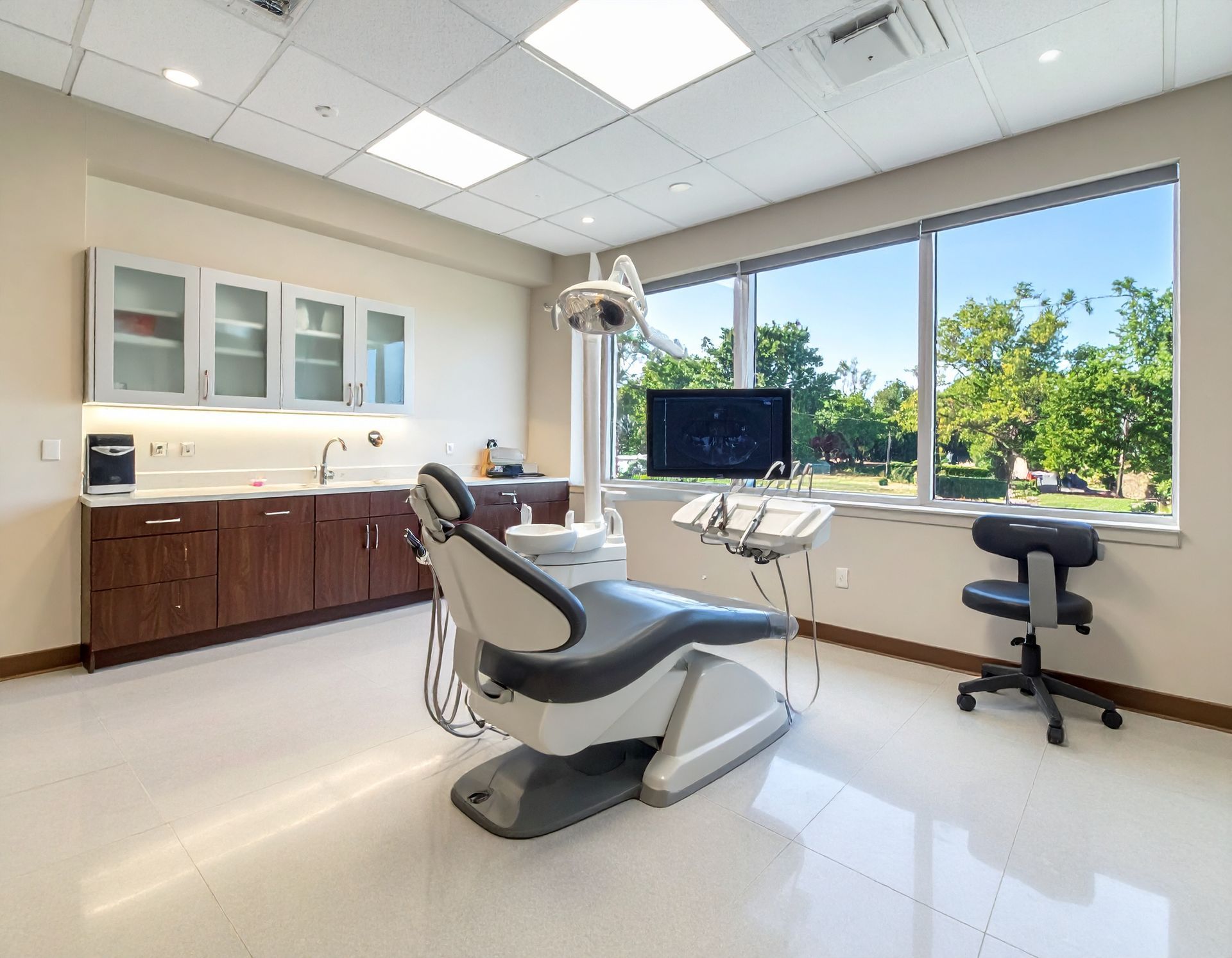
Dental examination room with chair, equipment, and large window overlooking trees.
January 26, 2026
Challenge: A critical breakdown in the claims submission workflow disrupted insurance processing and slowed essential clinical tasks.
Dental operatory with dental chair, equipment, cabinets, and windows.
January 26, 2026
Challenge: Severe Dentrix performance issues and failing hardware slowed daily operations and disrupted patient communication.
More Posts