
Case Study: Monitor Installation Project
January 26, 2026
Challenge: A non-functional operatory monitor prevented staff from using it for patient education and X-ray review.
At Park Central Dental in Dallas, a wall-mounted monitor was stuck on a loading screen and could not be used for patient consultations or viewing clinical images.
Solution: Allierad IT Solutions provided onsite diagnostics and hardware correction to restore monitor functionality.
Hardware Diagnosis and Repair
- Identified that the monitor was connected to the wrong video card.
- Installed the correct video adapter to restore the display.
Technology Implemented
- Hardware: Patient monitor, video adapter.
- Services: Onsite hardware diagnostics and repair.
Expected Results
The restored monitor supports clearer patient communication, improved treatment presentations, and a more efficient clinical consultation process.
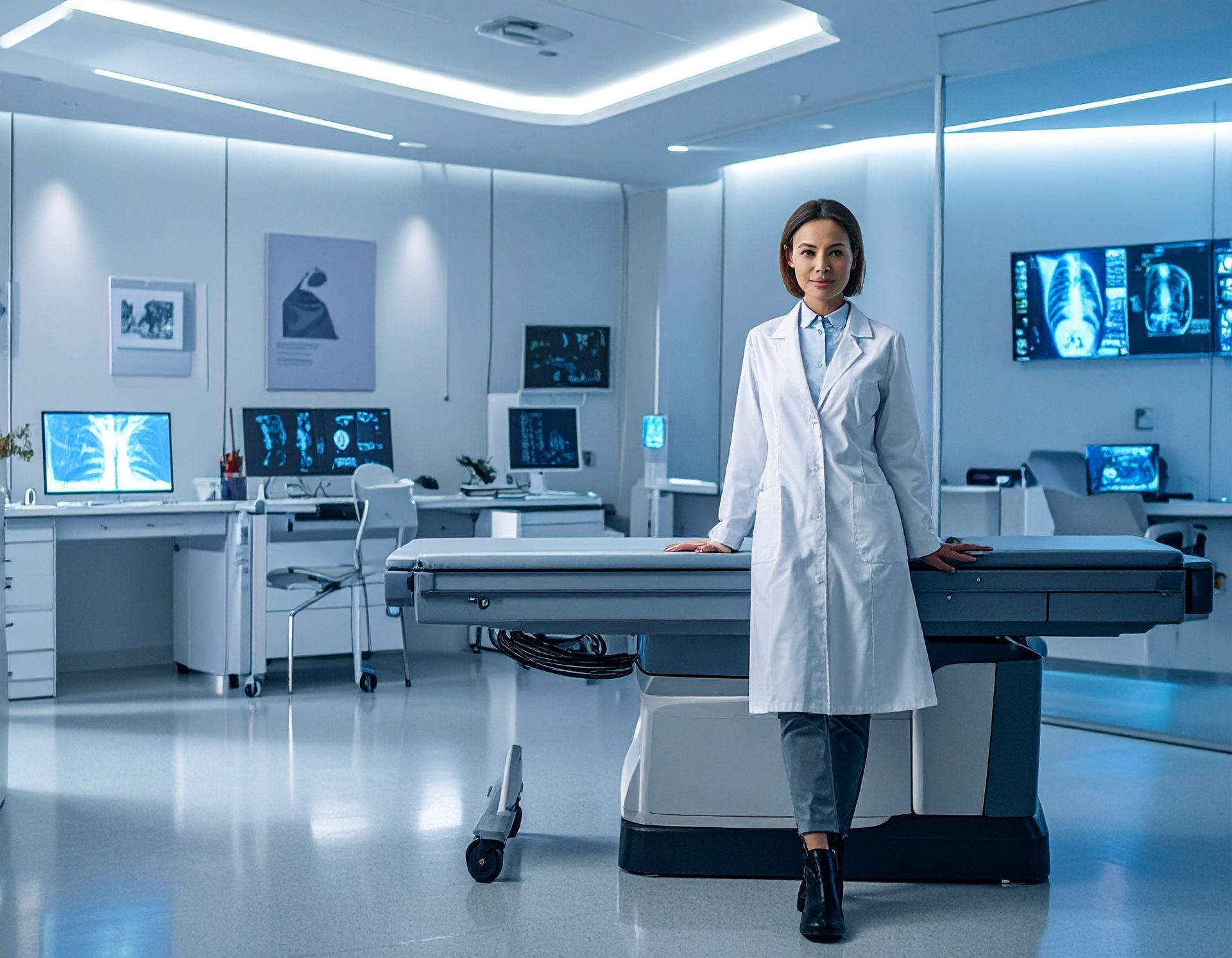
Digital operations in healthcare have come such a long way from patient logs and sheets on computers. We are now in an age where nearly EVERYTHING is digital—the logbooks, the appointment systems, the history and data, and more. Even customer service and feedback are now done online. That said, medical technology is no longer just back-end support. Everything is right there in the exam room, affecting patient care, how offices stay compliant, and overall health outcomes . In 2026, the healthcare industry is facing growing cybersecurity threats, tighter HIPAA regulations, staffing shortages, and patients who expect faster, tech-enabled healthcare services . But meeting those expectations? That requires more than simply applying a software update every few months. You need a real, cohesive, and safe IT strategy. One that prioritizes security, keeps systems running, and makes healthcare delivery smarter. Below are the most important digital trends shaping the future of healthcare and how you can implement them in your clinic.
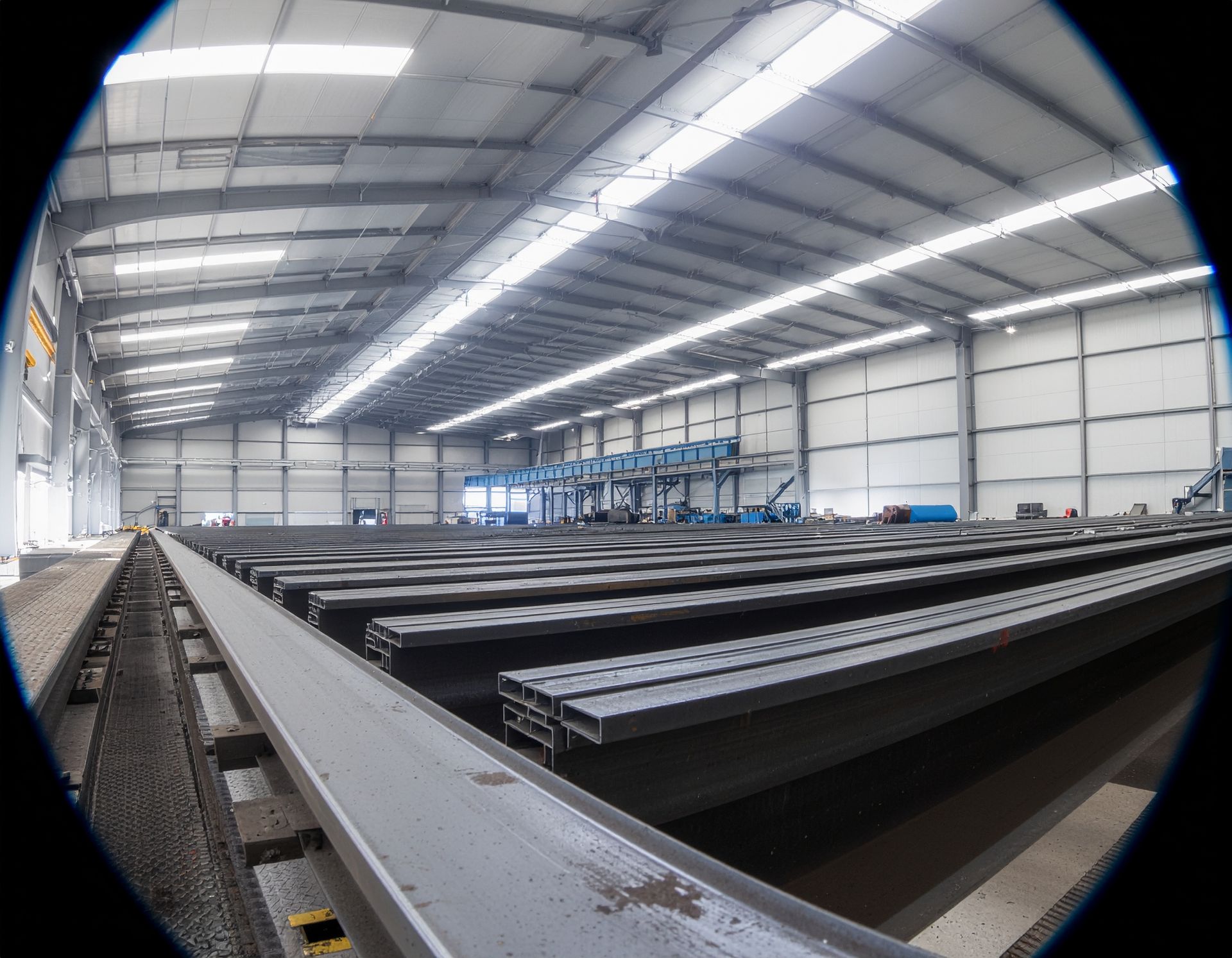
See how Allierad delivered on-premises IT support for a steel manufacturer — from secure workstation setup to integrated peripherals and MFA — enabling fast employee onboarding and improved productivity.
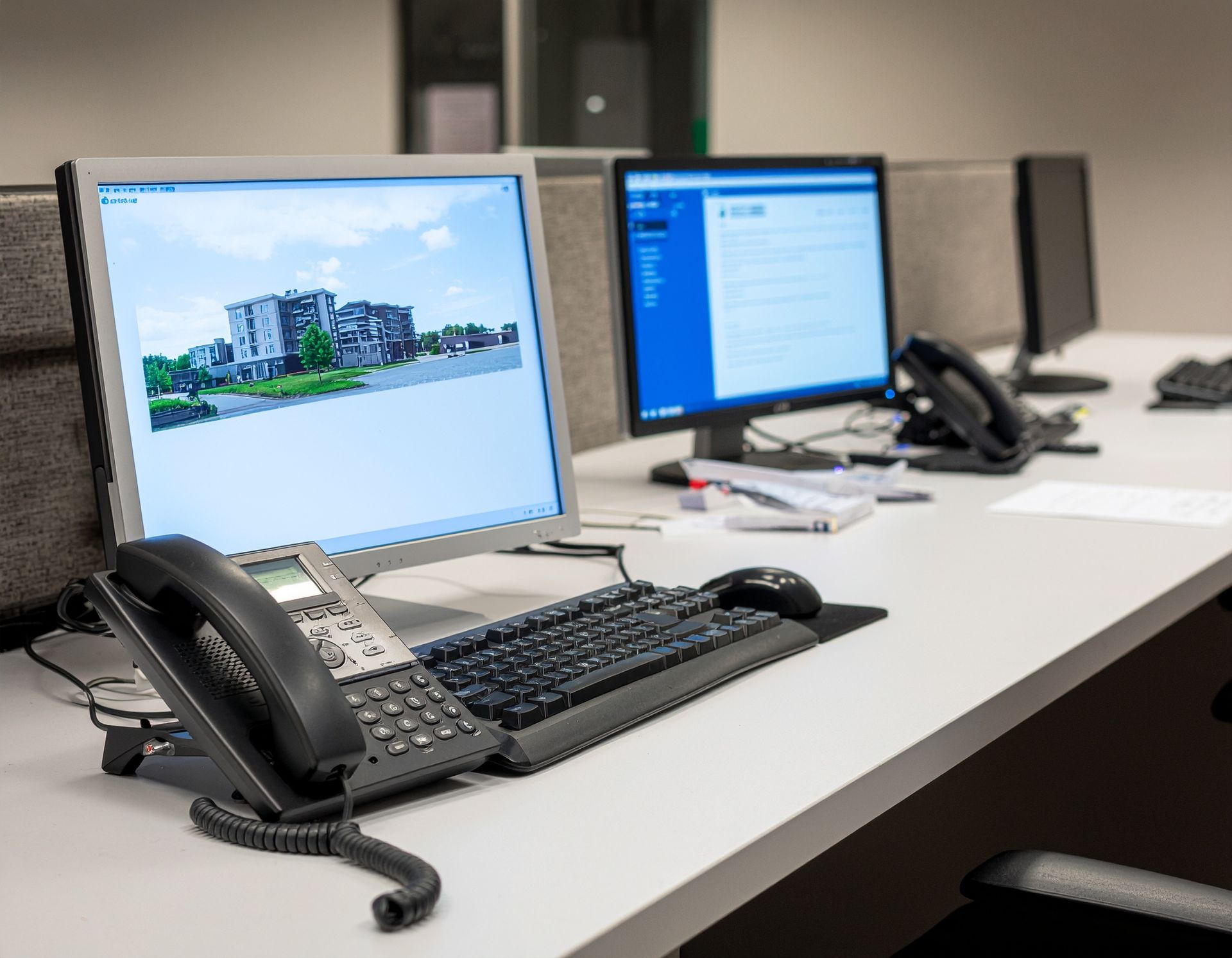
Explore how Allierad resolved VoIP communication issues, restored reliable voicemail delivery, and managed software support for a construction company’s mobile and remote staff.
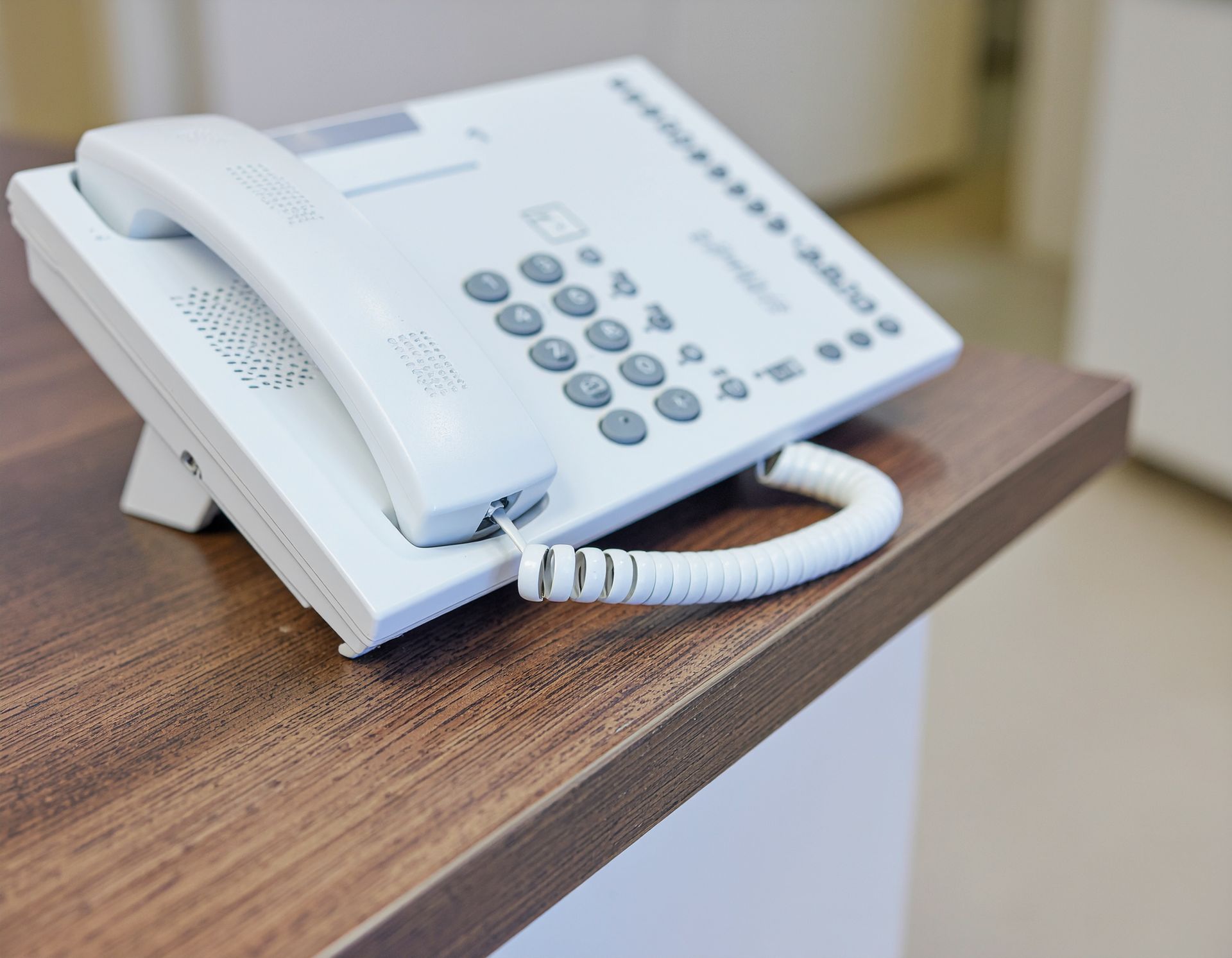
Learn how Allierad integrated phone systems and email for a medical clinic to improve communication efficiency, streamline workflows, and support secure patient interactions.
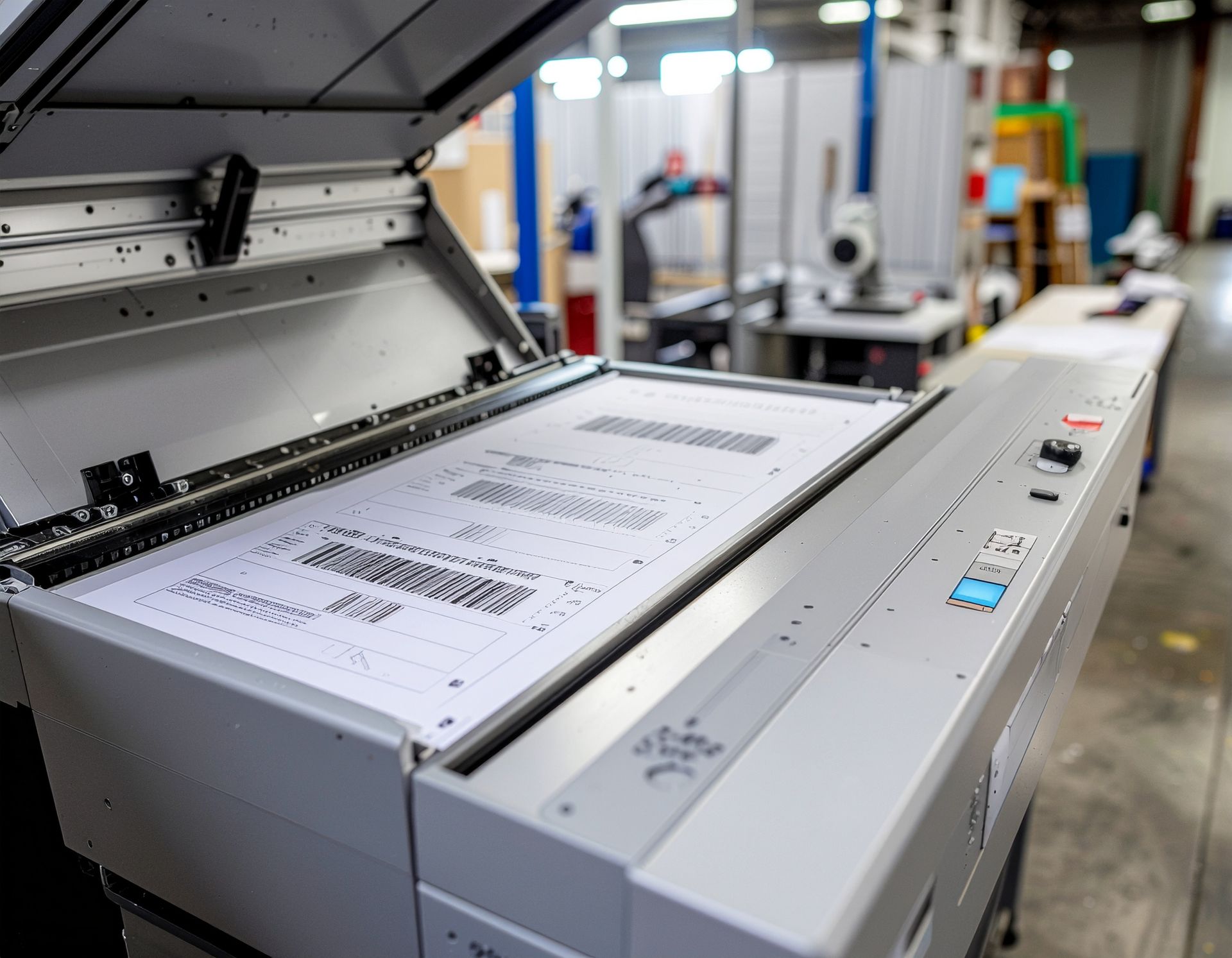
Discover how Allierad smoothly executed a scanner replacement and reconfiguration project, improving efficiency and workflow for a busy practice.
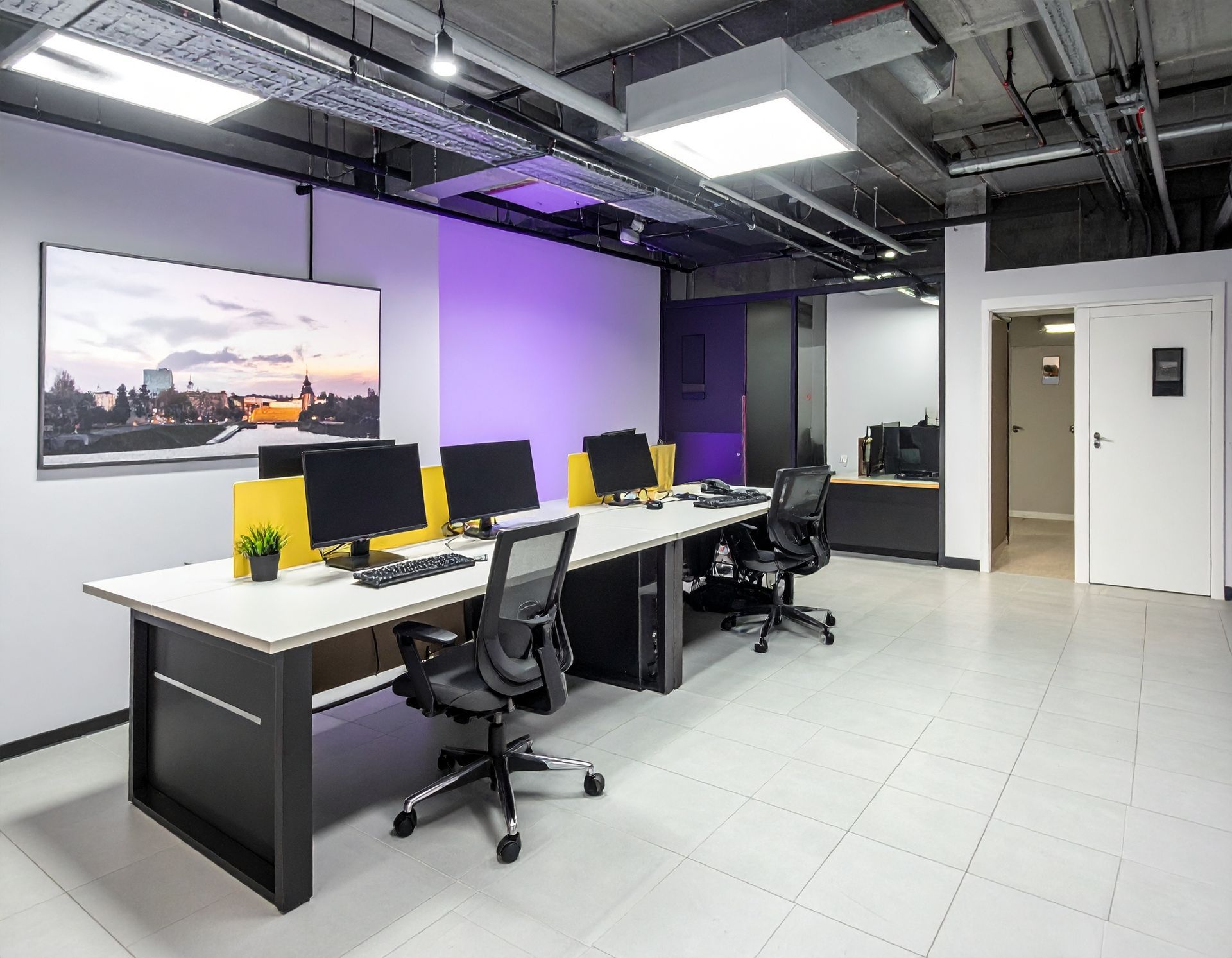
Discover how Allierad completed a PC and peripheral installation project, ensuring reliable hardware setup, smooth integration, and improved office productivity for a dental practice.
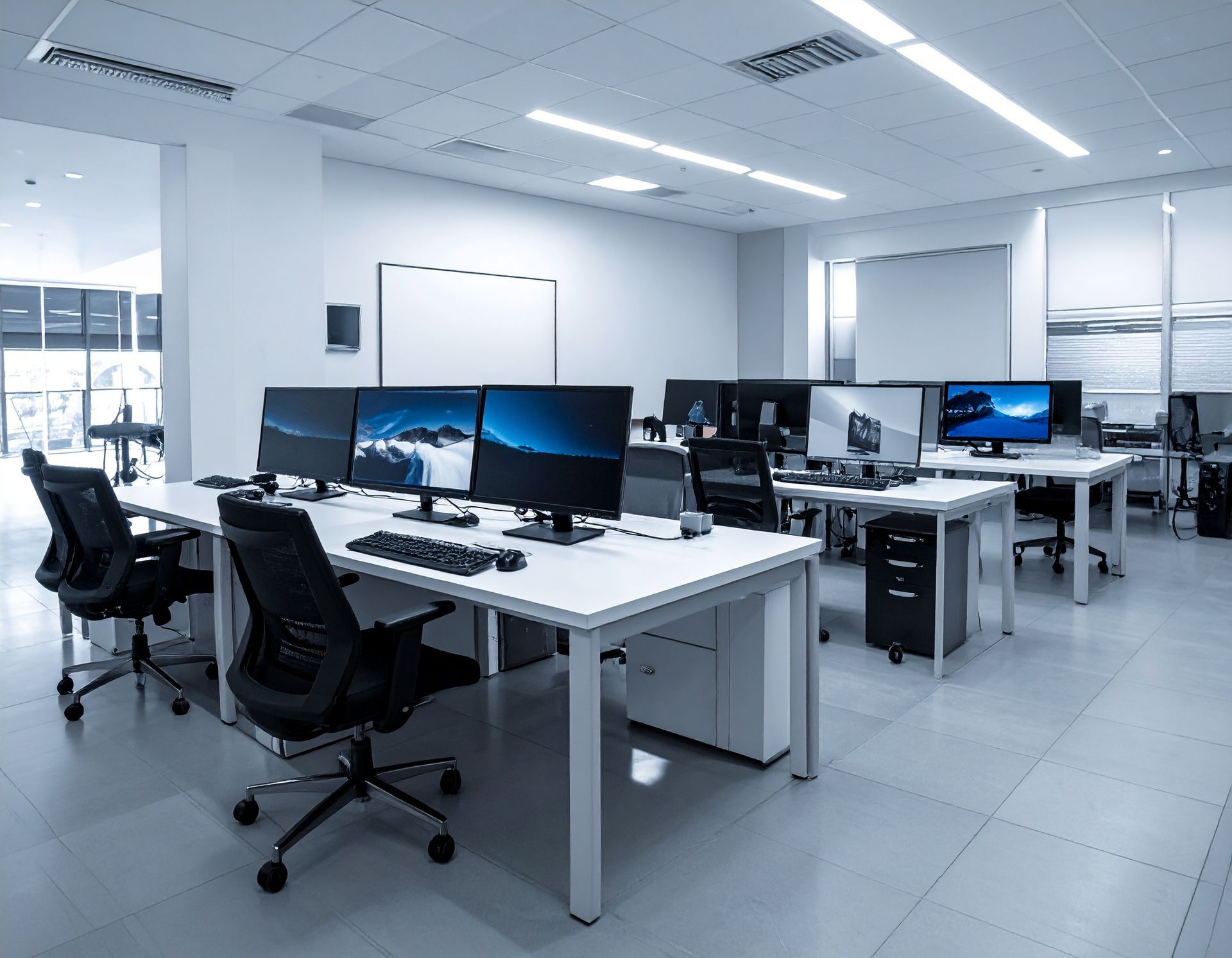
Learn how Allierad helped a dental practice replace failing computers with modern hardware, complete software setup, and streamlined workflows for faster, reliable operations.
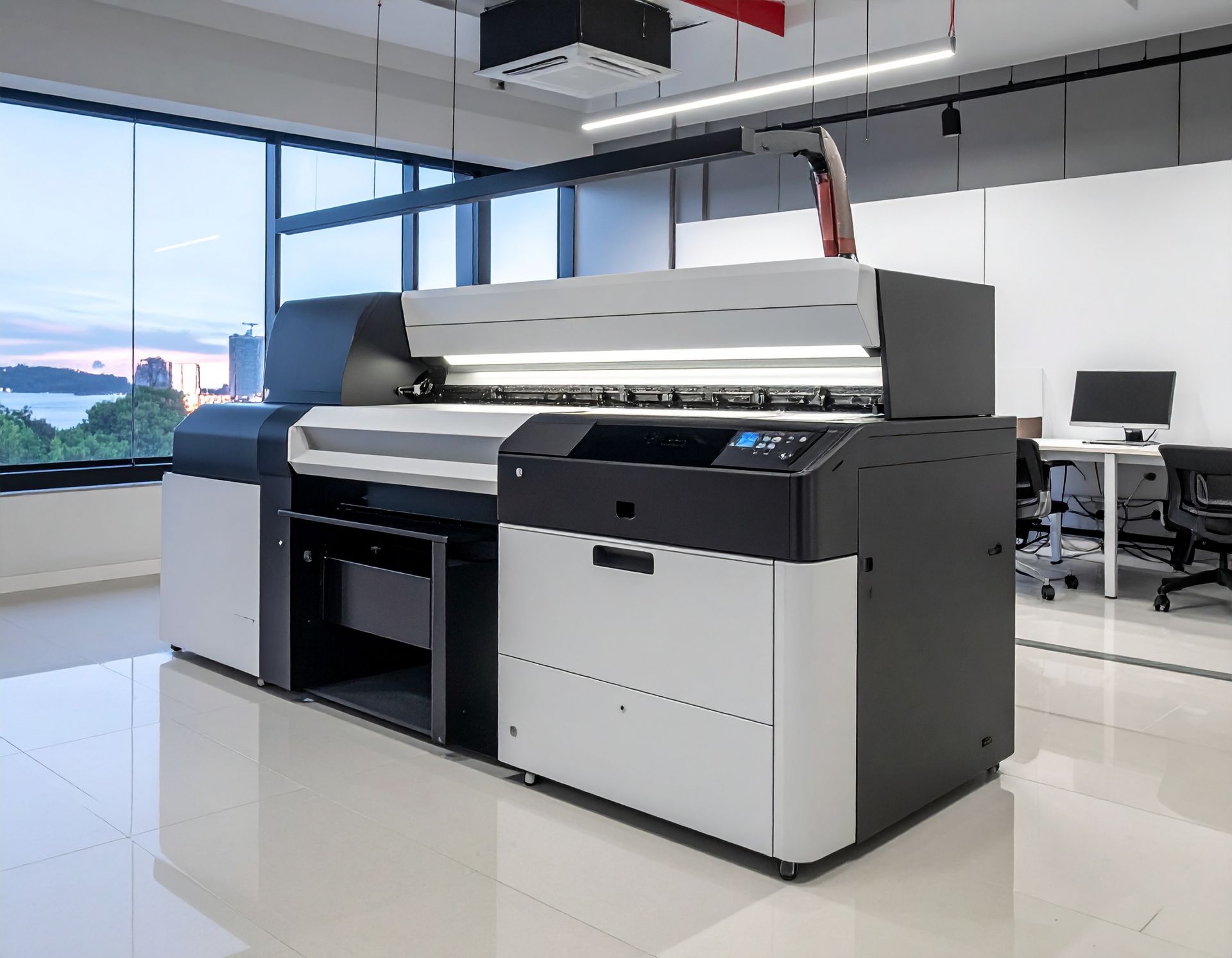
Learn how Allierad upgraded a dental office with seamless printer installation, improving connectivity, performance, and workflow efficiency.
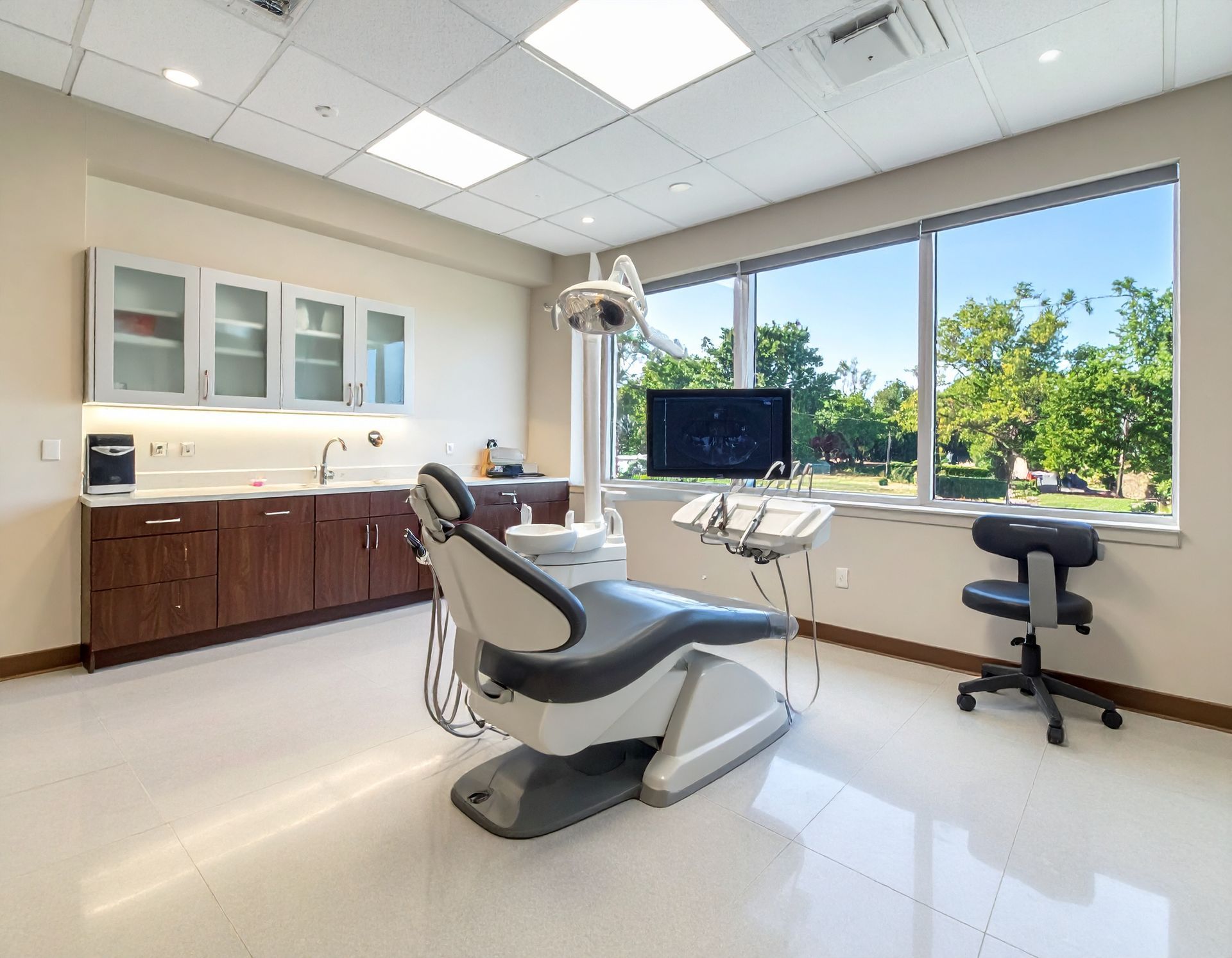
Read this case study on Allierad’s IT services for a dental office in Aubrey, TX — improving infrastructure, stability, and user experience for a busy clinic.
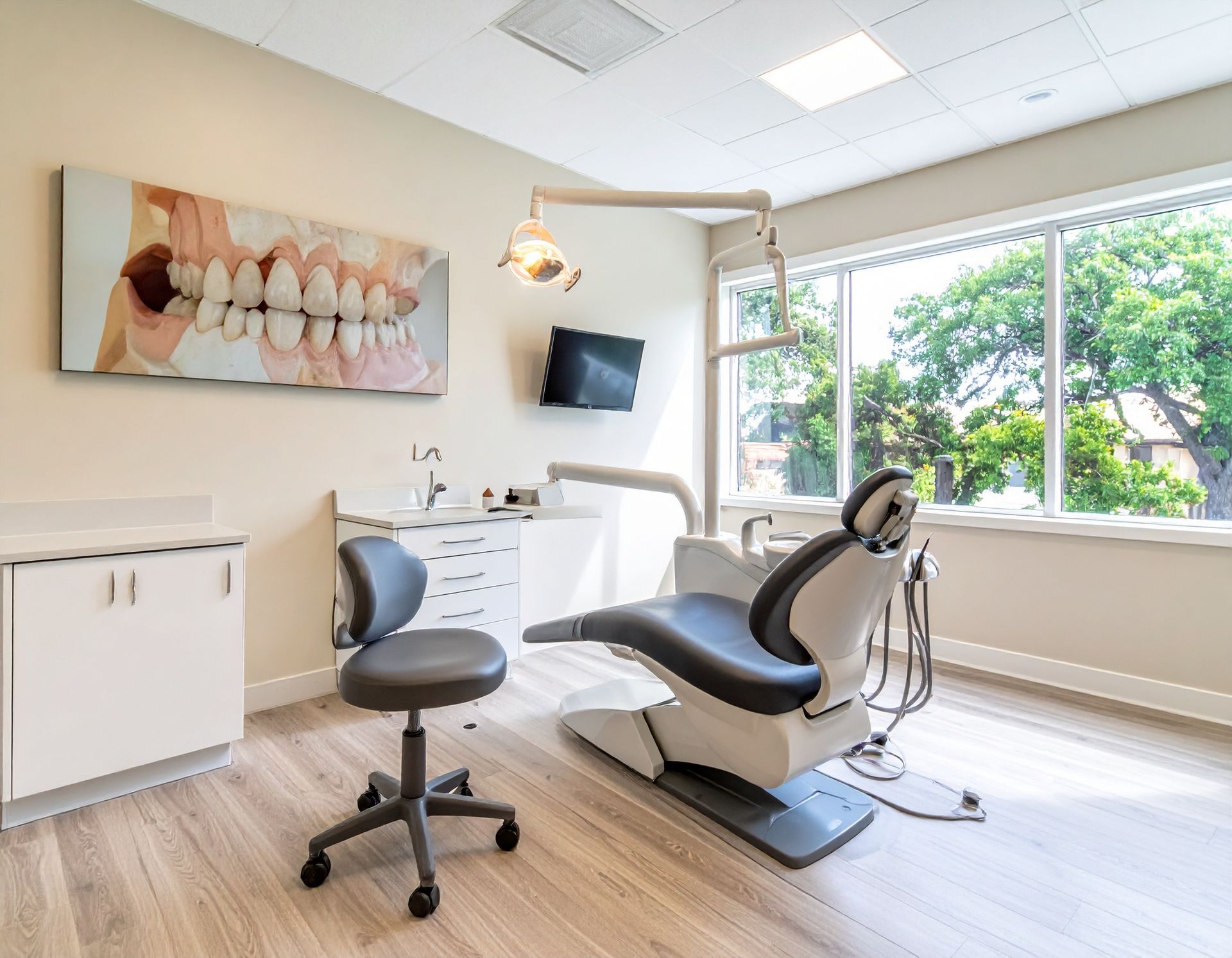
Explore this case study on tailored IT support for a periodontal practice in The Woodlands, Texas — improving tech performance and clinical efficiency.